Building a website used to require coding skills, design experience, or a budget for hiring a web developer. Today, AI website builders can help beginners create a website by describing what they want in everyday language.
You can use these tools to create a business website, portfolio, blog, landing page, or online store. Depending on the platform, AI can help generate page layouts, write starter copy, suggest images, organize sections, and make design changes.
But not every AI website builder is right for every project. Some focus on affordability, while others prioritize visual design, blogging, ecommerce, or the flexibility to grow into a more complex website.
In this guide, we compare the best AI website builders for beginners in 2026, explain their strengths and limitations, and help you choose one based on your actual needs.
Research note: This is a documentation-based comparison of published features and pricing, not a claim that every platform was independently tested. Prices and plan features can change by country, currency, billing term, and promotion.
Quick Answer
For most beginners who want a general-purpose business website, Wix is a strong starting point. Hostinger is worth considering if affordability and bundled hosting matter most. Squarespace is a good fit for design-focused brands, while Framer is particularly suitable for portfolios and modern landing pages.
If your priority is publishing articles and building a content-focused website, consider WordPress.com. For online stores, Shopify is purpose-built for ecommerce. If you want AI assistance while keeping WordPress as the foundation, consider 10Web.
The best choice depends on what you want to build—not simply how quickly AI can generate a homepage.
Best AI Website Builders at a Glance
Use this table to narrow down your options before reviewing each platform. Free access, paid features, and publishing requirements vary by provider.
| Platform | Best For | Free Option | Main Advantage |
|---|---|---|---|
| Wix | Beginners and small businesses | Yes | All-in-one website tools |
| Hostinger | Budget-conscious beginners | Check regional offers | Builder and hosting together |
| Squarespace | Polished business websites | Free trial | Guided AI design |
| Framer | Portfolios and landing pages | Yes | Design-focused editing |
| WordPress.com | Blogs and content websites | Free plan; AI builder requires paid plan | Content publishing |
| Shopify | Online stores | AI design tool is free; selling requires a store plan | Ecommerce tools |
| 10Web | AI-assisted WordPress websites | Check current trial options | AI creation with WordPress |
Remember: Free website creation does not always mean a free, fully published website with a custom domain. Review current plan restrictions before committing.
1. Wix — Best Overall for Most Beginners
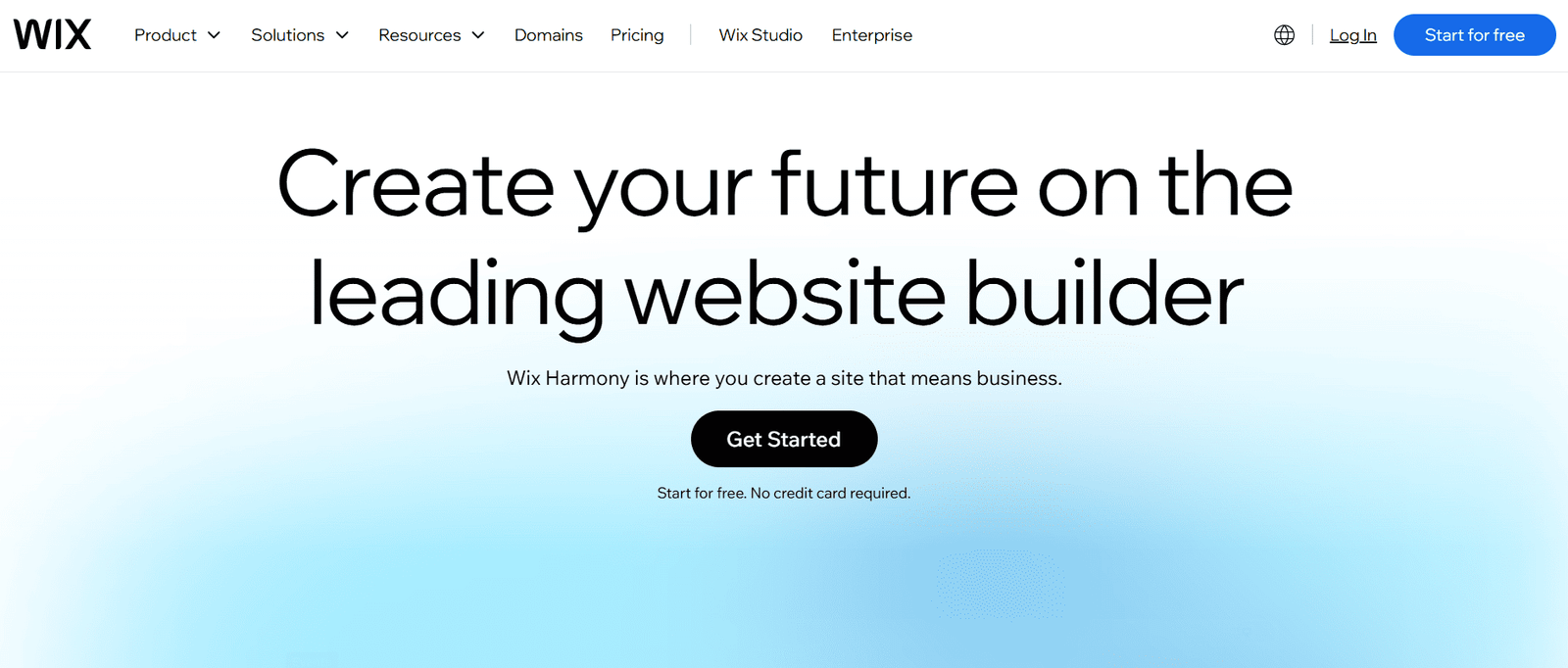
Wix is a practical option for beginners who want to build and manage a business website in one place. Its AI creation tools help users get started, while its visual editor allows them to refine the result without writing code.
You can use Wix for service businesses, portfolios, informational websites, appointment-based businesses, and online stores. The platform also offers hosting, templates, marketing features, and additional tools that can support a growing business.
Why beginners may like it
- AI-assisted website creation and visual editing.
- Templates and layouts for different business types.
- Built-in hosting and website management.
- Options for forms, bookings, marketing, and ecommerce, depending on the plan.
- A free plan for exploring the platform before upgrading.
Potential drawbacks
- Important business features require a paid plan.
- Advanced functionality can increase the total cost.
- Moving a website to a different platform later may require rebuilding parts of it.
Best for: Freelancers, consultants, local service businesses, and beginners who want an all-in-one website platform.
Pricing: Wix offers a free plan and paid subscriptions. Prices vary by location and billing term. Check the official Wix pricing page for your local offer.
2. Hostinger AI Website Builder — Best for Budget-Conscious Beginners
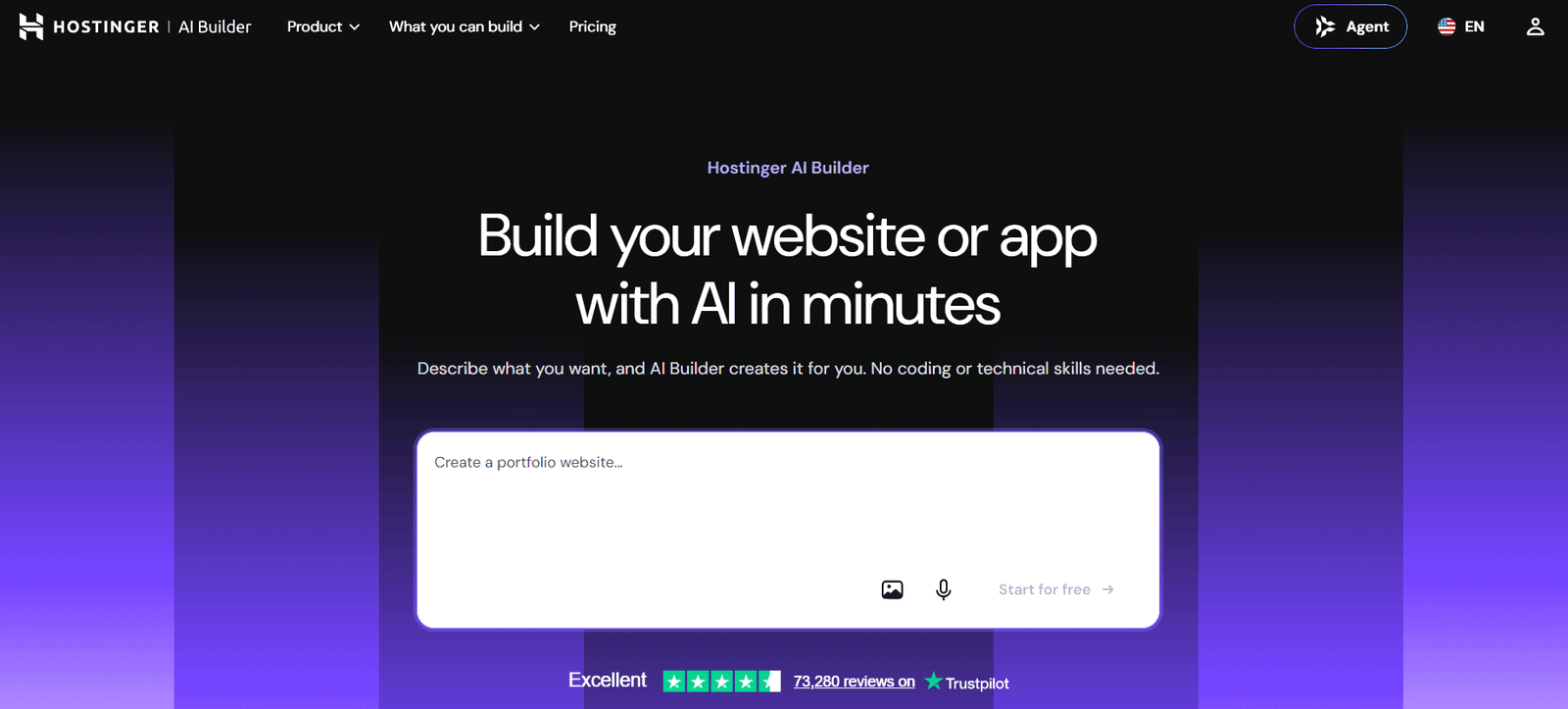
Hostinger combines AI website creation with hosting and domain-related services, making it appealing to people who want to avoid managing several separate providers.
You can describe your website idea, generate a starting design, and refine it using visual editing and AI-assisted tools. Depending on your plan, the platform can also support features such as online selling and other business functions.
Why beginners may like it
- Website creation and hosting are bundled together.
- AI can help create initial layouts and content.
- Visual editing is available for making changes.
- Some longer-term plans include a domain for the first year.
- It can be a practical starting point for a small business or personal website.
Potential drawbacks
- Promotional prices can require substantial upfront payment.
- Renewal prices may be much higher than the introductory rate.
- AI credits and available features differ between plans.
- Migrating to another website platform may take additional work.
Best for: Beginners who want an affordable way to launch a small business website, portfolio, or blog.
Pricing example: At the time of research, Hostinger’s US pricing page advertised Premium at $2.99 per month on a 48-month term, paid upfront at $143.52, with renewal at $10.99 per month. Regional offers differ, and these figures may change.
Verify the current offer on the official Hostinger pricing page. To visit Hostinger through our referral link, use the button below.
Referral disclosure: This article contains a Hostinger referral link. We may receive a benefit if you sign up through it, at no additional cost to you. Pricing information is linked separately to the provider’s official pricing page.
3. Squarespace — Best for Polished Business Websites
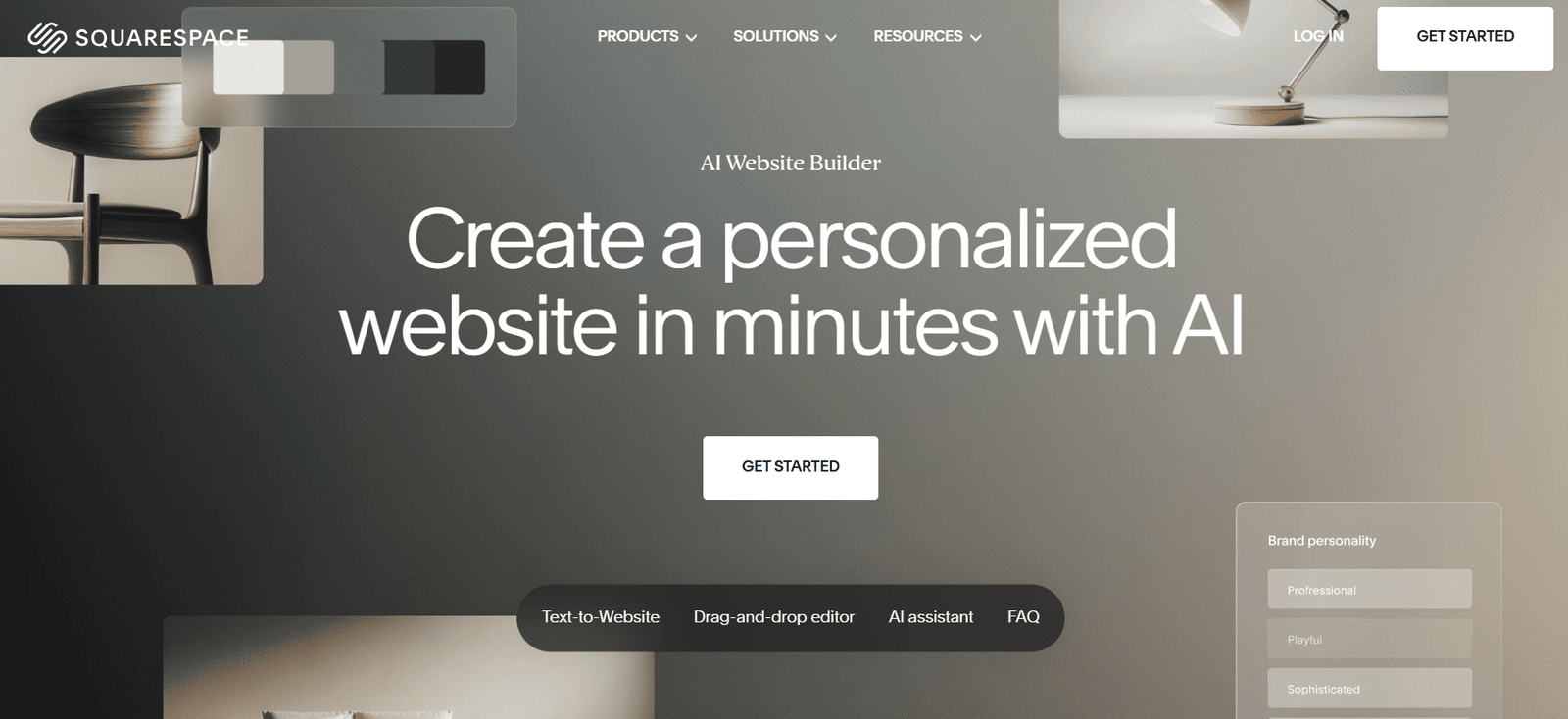
Squarespace is worth considering if visual consistency and presentation are high priorities. Its Blueprint AI website builder uses information about your business or project to create a personalized starting point, including suggested pages, styling, and starter content.
After generating a site, you can continue editing it using the visual editor. You do not need to rely on AI for every change.
Why beginners may like it
- Guided website creation through Blueprint AI.
- Design-focused templates and visual styling.
- Tools for blogs, portfolios, service businesses, and online selling.
- Hosting and website management within one platform.
- A visual editor for refining pages after generation.
Potential drawbacks
- Publishing requires a paid website plan.
- Some advanced business and selling features depend on the selected plan.
- It offers less direct infrastructure control than a self-hosted WordPress setup.
Best for: Creative professionals, consultants, photographers, studios, and businesses that want a cohesive, professional-looking website.
Pricing: Squarespace offers a free trial for building and previewing a site. A paid plan is needed to publish it. Compare current options on the official pricing page.
4. Framer — Best for Portfolios and Modern Landing Pages
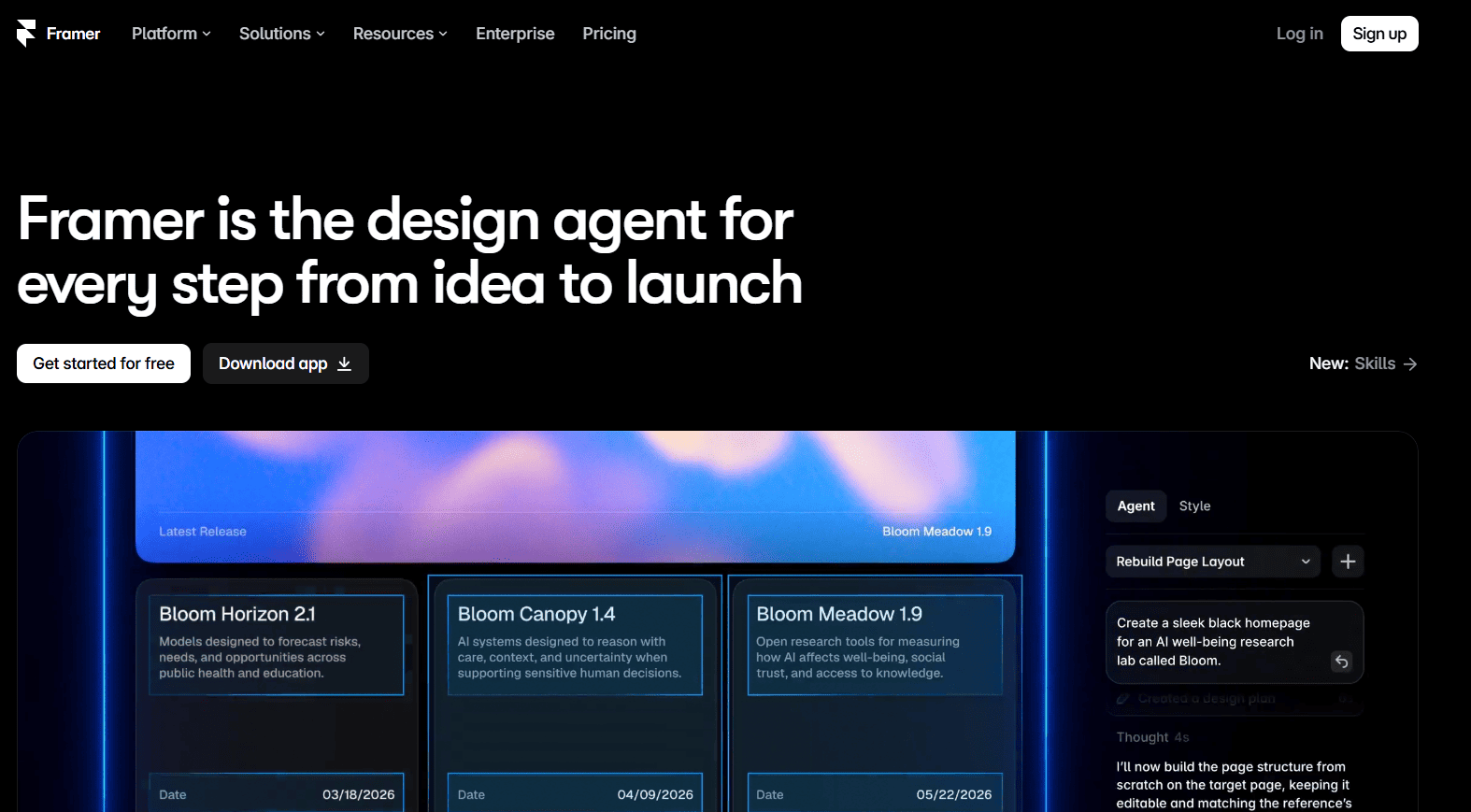
Framer is a strong option for design-led websites. It is particularly relevant to designers, creative professionals, startups, and people who want visually distinctive landing pages.
Its AI features can help you get started, while the visual canvas gives you control over page layouts and presentation. Framer also includes publishing and SEO-related features, with capabilities and limits depending on the plan.
Why beginners may like it
- Design-focused layouts and modern visual presentation.
- AI-assisted creation and editing.
- Responsive website design tools.
- Useful features for portfolios, landing pages, and marketing sites.
- A free plan for exploring the platform.
Potential drawbacks
- It may take longer to learn than a simpler template-based builder.
- More complex business requirements can need additional tools.
- A free Framer domain is different from publishing on your own custom domain.
- It is not the first choice for every content-heavy website or complex ecommerce project.
Best for: Designers, freelancers, creative portfolios, startup landing pages, and visually driven marketing websites.
Pricing: Framer’s published pricing at the time of research listed a Free plan, Basic at $10 per month, and Pro at $30 per month with yearly billing. Confirm the latest prices and limits on Framer’s pricing page.
5. WordPress.com AI Website Builder — Best for Blogs and Content Websites
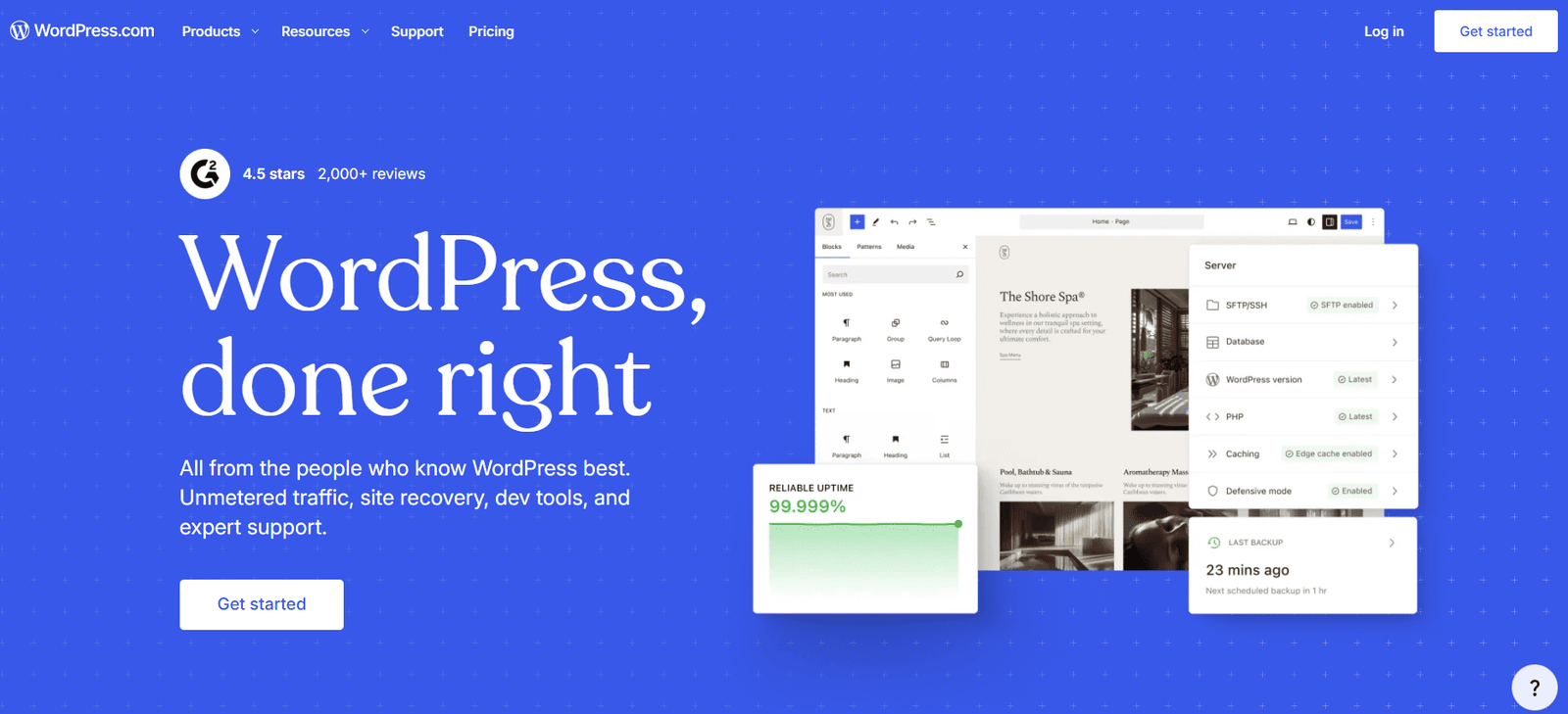
If your main goal is to publish articles, tutorials, reviews, or other ongoing content, WordPress.com deserves serious consideration.
Its AI website builder can generate a website from a description, after which you can customize pages, styling, and content. WordPress is especially relevant when your long-term strategy involves publishing regularly rather than simply creating a static business homepage.
Why beginners may like it
- AI-assisted website creation.
- Content publishing and blogging tools.
- Options for expanding a site with additional pages and content.
- A familiar ecosystem for people planning to grow a publication.
- A path to ecommerce through additional WordPress capabilities.
Potential drawbacks
- The AI website builder is available on paid plans.
- Features and customization options depend on the plan and WordPress environment.
- Beginners may need time to understand the difference between WordPress.com and self-hosted WordPress.org.
- Ecommerce setup may require additional configuration and tools.
Best for: Bloggers, publishers, tutorial websites, content marketers, and businesses that depend on organic search traffic.
Pricing: WordPress.com’s official documentation states that its AI website builder is available on paid plans. Its AI creation flow does not generate a complete ecommerce store, although you can add ecommerce capabilities afterward. Check the AI website builder guide and WordPress.com plans.
Important distinction: WordPress.com is a hosted service. Self-hosted WordPress.org gives you a different level of control over hosting, plugins, and infrastructure. Do not treat the two as identical products.
6. Shopify — Best AI Option for Online Stores
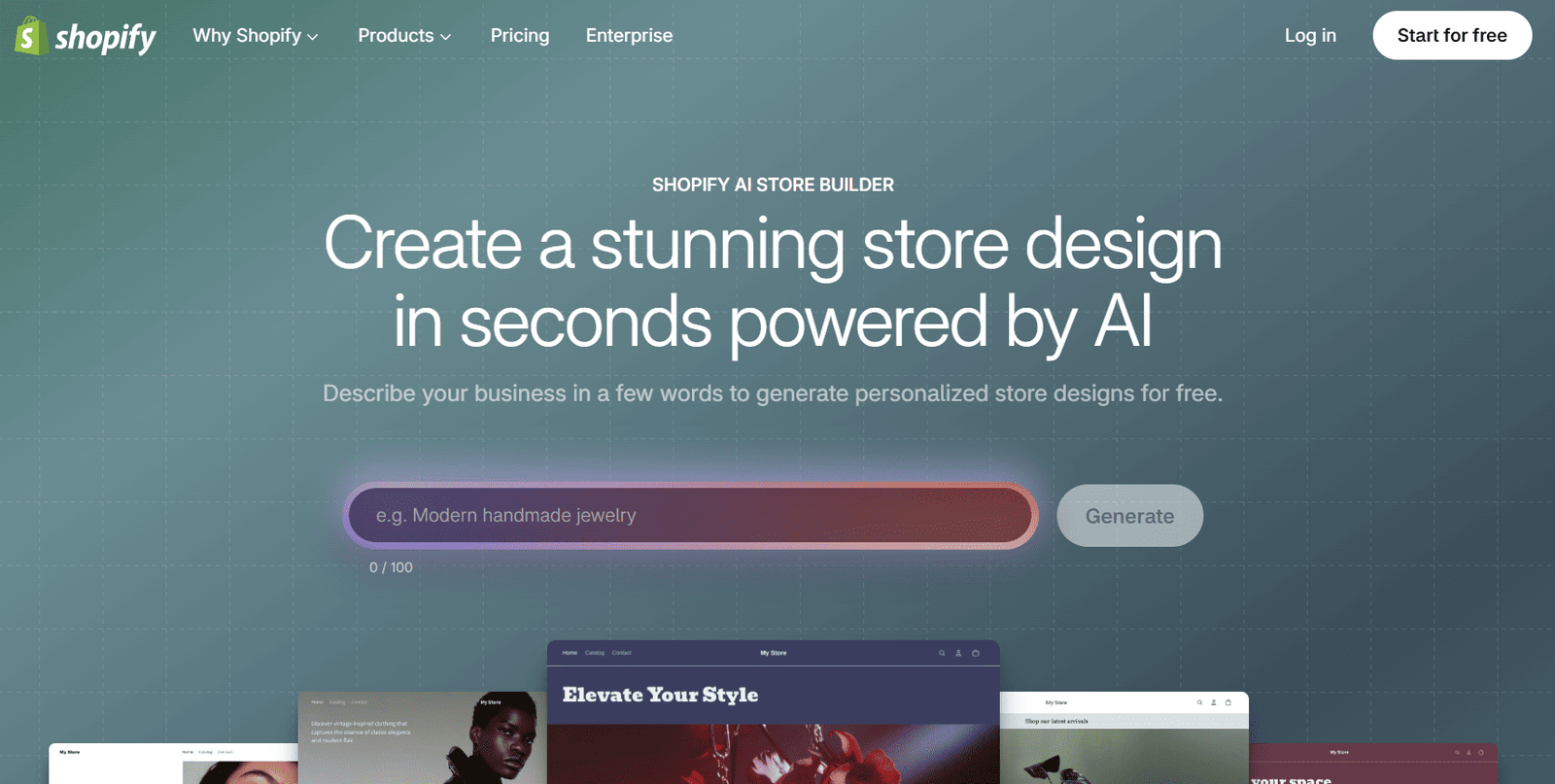
If your main objective is selling products online, choose a platform designed around ecommerce instead of a general-purpose website builder.
Shopify’s AI Store Builder lets you describe a business and generate store design ideas. Shopify also provides ecommerce-oriented functionality for managing products, checkout, orders, and other parts of an online store.
Why beginners may like it
- AI-assisted store design.
- Ecommerce-focused website features.
- Product and order management.
- Checkout and selling tools.
- Options for growing an online business beyond a basic product page.
Potential drawbacks
- A functioning store requires a paid subscription after any applicable trial.
- Additional apps and services may increase total costs.
- It may be excessive for someone who only needs a simple portfolio or informational website.
Best for: Entrepreneurs and small businesses whose primary goal is selling physical or digital products online.
Pricing: Shopify’s AI Store Builder can generate store designs for free, but operating a full store requires an eligible Shopify plan. Review the AI Store Builder and Shopify pricing.
7. 10Web — Best for AI-Assisted WordPress Websites
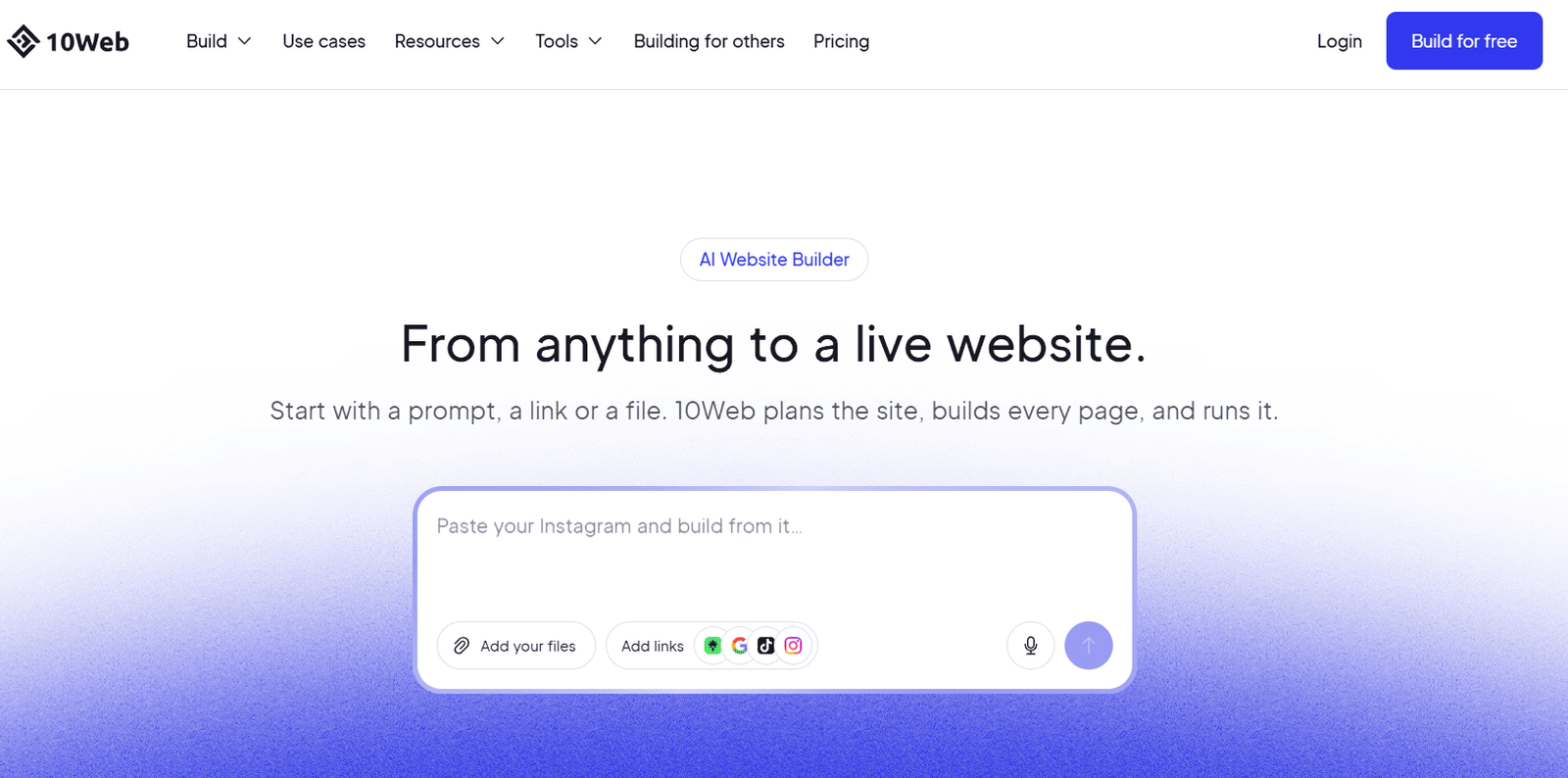
10Web is an option for people who want AI-assisted website creation while using WordPress as the underlying content management system.
Its platform combines AI website-building tools with hosting and WordPress functionality. This makes it worth comparing with a conventional hosted builder if you expect to need WordPress-specific capabilities later.
Why beginners may like it
- AI-assisted WordPress website creation.
- Hosting and website management in one service.
- WordPress CMS capabilities.
- Options for redesigning existing pages and building new ones.
- A potential fit for people who want to expand beyond a simple brochure website.
Potential drawbacks
- Plan limits apply to websites, storage, visits, and AI credits.
- It introduces more WordPress-related decisions than some basic website builders.
- Check how the plan handles plugins, customizations, backups, and moving the site before committing.
Best for: Small businesses and website owners who want AI assistance but prefer the WordPress ecosystem.
Pricing: 10Web’s official pricing page listed AI Starter at $10 per month with annual billing, or $120 for 12 months under the advertised offer. Features and promotional terms can change. Check 10Web pricing.
How to Choose the Right AI Website Builder
Before you sign up, answer one question: what must your website actually do?
Match the platform to your project
- Small business or service website: Compare Wix, Hostinger, and Squarespace.
- Blog or tutorial website: Compare WordPress.com and self-hosted WordPress.
- Portfolio or design-led landing page: Look at Framer and Squarespace.
- Online store: Start with Shopify, then compare other platforms’ selling features and costs.
- AI-assisted WordPress website: Compare 10Web with your preferred WordPress hosting and tools.
Five questions to ask before paying
- Can I publish the type of website I need on this plan?
- What will I pay upfront, and what will the renewal price be?
- Can I connect my own domain?
- Will I have the features needed to grow my website?
- How difficult would it be to move my website elsewhere?
How Much Does an AI Website Builder Cost?
The advertised monthly price is only part of the decision. Your real cost depends on the billing term, renewal rate, domain, ecommerce requirements, and any extra services you need.
Subscription
The recurring or prepaid cost of the builder.
Renewal Price
The price after an introductory promotion ends.
Custom Domain
Whether a domain is included, for how long, and how much renewal costs.
Professional Email
Whether business email is included or sold separately.
Ecommerce
Whether selling features require a higher-tier plan.
AI Credits and Add-ons
Usage limits and extra costs for apps, integrations, or AI features.
Practical tip: Calculate the total cost for the first year and the renewal period—not just the lowest monthly figure displayed in an advertisement. If a provider requires payment for several years upfront, make sure you are comfortable with the full commitment.
How to Build a Website With AI: A Beginner’s Workflow
AI can speed up the starting process, but a successful website still needs a clear plan and human review.
Define Your Website’s Purpose
Decide whether the website will generate leads, showcase your work, publish articles, accept bookings, or sell products. A clear purpose helps the AI produce a more useful starting structure.
Prepare Your Website Information
Gather your website name, target audience, products or services, selling points, contact details, brand assets, and the pages you need before generating the site.
Write a Detailed AI Prompt
Describe your audience, content, layout, visual direction, and desired visitor actions instead of asking the AI to create a generic website.
Review the Generated Design
Check the pages, navigation, images, and calls to action. Replace generic content with accurate information about your business.
Check Mobile Responsiveness
Preview desktop, tablet, and mobile layouts. Look for overflowing text, cropped images, difficult-to-tap buttons, awkward spacing, and broken menus.
Set Up SEO Basics
Give important pages clear titles and descriptions. Use descriptive headings, sensible URLs, meaningful image alt text, and relevant internal links.
Test the Complete Website
Submit test forms, check navigation, test buttons, review links, and confirm that important pages load correctly. Test the full purchase flow if you sell products.
Publish and Improve
Connect your domain, publish the site, and set up appropriate analytics and Google Search Console. Use real visitor data to guide future improvements.
Create a modern, mobile-responsive website for a small digital marketing agency serving small businesses in the United States. Include Home, Services, About, Case Studies, and Contact pages. Use a professional navy, white, and light-blue color palette, clear typography, accessible contrast, concise copy, and prominent calls to action. Include a contact form and space for genuine client testimonials. Do not invent awards, client results, or customer reviews.
Can AI-Built Websites Rank on Google?
Yes. A website built with AI can appear in Google Search, but using AI does not guarantee rankings or faster indexing.
Google’s published guidance focuses on helpful, reliable, people-first content rather than whether content was produced with AI. Google also warns against generating large volumes of low-value pages primarily to manipulate search rankings.
- Publish useful content that directly answers the reader’s question.
- Add original examples, screenshots, analysis, or demonstrations.
- Check every AI-generated fact, claim, statistic, and recommendation.
- Make navigation clear and ensure important pages can be discovered.
- Provide a good mobile experience and avoid broken links.
- Use descriptive page titles and relevant internal links.
- Keep content accurate and update it when products, prices, or processes change.
For a comparison article like this one, adding original screenshots, a transparent methodology, clear pricing caveats, and hands-on observations where available can make it more useful than a generic list of tools.
No article can guarantee a first-page position. Search performance depends on many factors, including competition, relevance, content quality, site reputation, and how well the page meets the searcher’s needs.
Read Google’s official guidance: Guidance on generative AI content and creating helpful, reliable, people-first content.
AI Website Builder vs. WordPress: Which Should You Choose?
An AI website builder and WordPress can both be suitable for beginners, but they offer different trade-offs.
| Consideration | Hosted AI Website Builder | Self-Hosted WordPress |
|---|---|---|
| Initial setup | Often simpler | Requires hosting and setup |
| Hosting management | Usually included | You choose and manage a host or managed service |
| AI assistance | Often built into the platform | Available through compatible tools and plugins |
| Customization | Depends on the provider | Broad range of themes, plugins, and customization options |
| Maintenance | Much of the infrastructure is provider-managed | You manage updates, backups, and security arrangements, or pay a provider to manage them |
| Portability | May be limited by the platform | More control over files, database, and hosting |
| Best fit | People prioritizing convenience | People prioritizing flexibility and control |
If you want a website launched with fewer technical decisions, a hosted builder can be a sensible choice. If your plans involve a content-rich publication, specialized integrations, or more control over hosting and functionality, self-hosted WordPress may be worth the extra setup.
Neither option is automatically better for SEO. The quality of the content, technical implementation, and user experience still matter.
Frequently Asked Questions
What is the easiest AI website builder for beginners?
Wix, Hostinger, and Squarespace are sensible starting points for many beginners. Wix offers a broad set of business features, Hostinger emphasizes bundled value, and Squarespace focuses on guided design. The easiest choice depends on your website requirements and preferred editor.
Are there free AI website builders?
Some platforms offer free plans or free AI design tools. However, custom domains, advanced business features, and full publishing capabilities may require payment. Shopify’s AI Store Builder can generate store designs for free, but operating a full store requires a Shopify subscription. Always check current terms.
Can I build a business website without coding?
Yes. Many AI website builders offer visual editors that let you create and modify pages without writing code. You still need to review the content, configure business features, and test the website before publishing.
Which AI website builder is best for a small business?
Wix is a strong all-around option for a small business that needs a general-purpose website. Hostinger is worth comparing if cost is a major concern, while Squarespace may suit businesses that prioritize visual presentation. The right choice depends on features, budget, and future plans.
Which AI website builder is best for blogging?
WordPress.com is worth considering for people who want to publish articles regularly. If you need greater control over hosting, plugins, and infrastructure, compare it with self-hosted WordPress before choosing.
Can I use my own domain with an AI website builder?
Most major platforms support custom domains on eligible paid plans. Some include a domain for a limited period, while others require you to purchase one separately. Check domain renewal costs and whether your preferred domain extension is available.
Do I own my website if I use an AI website builder?
That depends on the provider’s terms and what you mean by ownership. You may control your content and domain while still depending on the platform for hosting, editing, or publishing. Before investing heavily, review the provider’s export and migration options, especially if you expect to move the site later.
Can AI website builders create online stores?
Some can. Shopify is designed specifically for ecommerce, while other builders offer selling features on selected plans. Compare product management, checkout, shipping, tax, payment processing, and transaction-related costs before selecting a platform.
Will Google penalize a website because it uses AI-generated content?
Not simply because AI was used. Google’s guidance emphasizes quality and usefulness. AI-generated content that is inaccurate, unoriginal, or produced at scale without meaningful value can create problems under Google’s spam policies. Review and improve AI output before publishing.
Final Verdict: Which AI Website Builder Should You Choose?
There is no single best AI website builder for every beginner. The right platform depends on the job you need it to do.
- Choose Wix for a general-purpose small business website with a broad set of built-in features.
- Choose Hostinger if affordability and bundled hosting are priorities.
- Choose Squarespace if design consistency and professional presentation matter most.
- Choose Framer for design-led portfolios and landing pages.
- Choose WordPress.com for a content-focused website or blog.
- Choose Shopify if selling online is the main goal.
- Choose 10Web if you want AI assistance with a WordPress-based website.
Before purchasing, confirm the current price, renewal rate, included features, and migration options on the provider’s official website. Then build a small draft and test whether the editor fits your workflow.
The best AI website builder is not necessarily the one that generates a site fastest. It is the one that helps you publish a useful, trustworthy website that you can maintain as your needs grow.
Official Sources and Further Reading
Use these official resources to verify product features, plan requirements, and current pricing before making a purchase.
- Wix Plans — official plans and pricing.
- Hostinger AI Website Builder — features and plans.
- Hostinger Official Pricing — current published pricing.
- Squarespace AI Website Builder — Blueprint AI and website creation.
- Framer Pricing — plan features and limits.
- WordPress.com AI Website Builder Guide — AI creation workflow and requirements.
- Shopify AI Store Builder — AI-generated store designs.
- 10Web Pricing — WordPress AI builder plans.
- Google Search: Guidance on Generative AI Content.
- Google Search: Creating Helpful, Reliable, People-First Content.
Pricing and feature information may change after publication. Confirm the current offer, billing terms, and included features directly with each provider. This comparison is informational and does not guarantee search rankings or specific business results.
Ready to Build Your First Website?
Start with a clear purpose, compare the real costs, and choose the platform that fits your goals. A well-planned website with useful content and a good user experience is a stronger starting point than relying on AI generation alone.
Compare the Website Builders